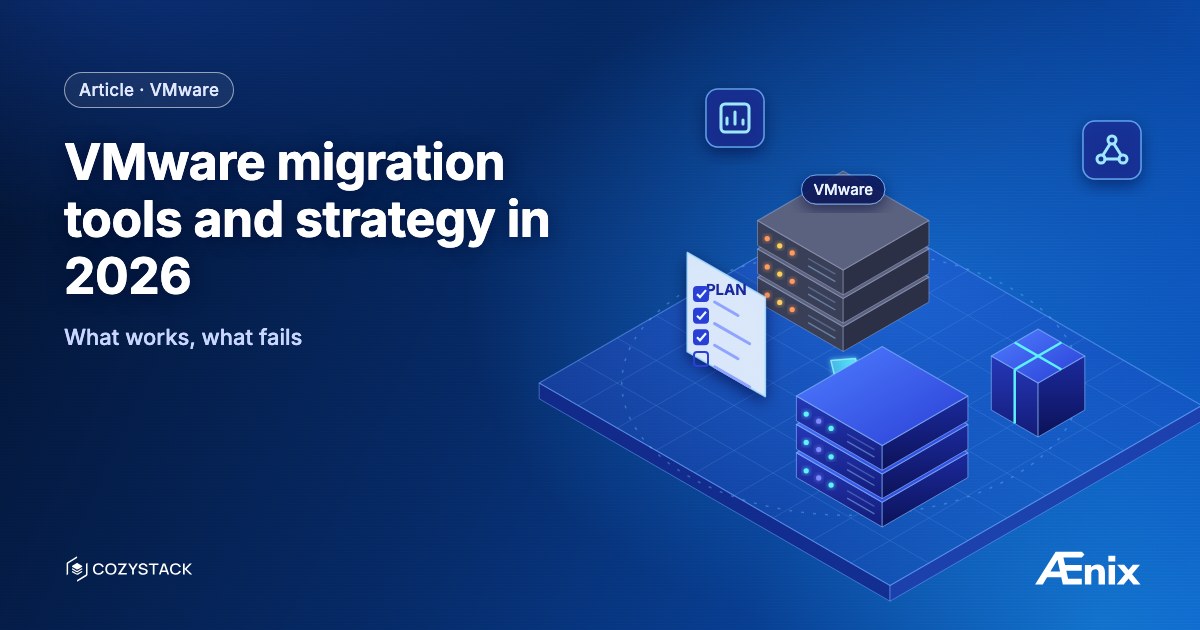
The VMware migration market in 2026 is a different conversation than in 2022. Broadcom-induced exits have produced enough customer experience that the patterns that work and the patterns that fail are documented. This article covers the working version.
Migration paths — three options
There are three honest VMware migration paths in 2026:
Path 1: VMware-managed migration (vendor-tools-led)
Use Broadcom-supplied or Red Hat-supplied tooling to migrate within or out of the VMware ecosystem. Tools: VMware HCX (intra-VMware), Red Hat Migration Toolkit for Virtualization (MTV) for VMware → OpenShift, vendor-specific (Nutanix Move, Scale Computing tools).
Pros: Vendor support during migration; established tooling.
Cons: Locks into vendor relationship at destination. Limited choice of destination architecture.
Path 2: KubeVirt-based migration (open-source destination)
Convert VMware VMs to KubeVirt format on the destination platform (Cozystack, OpenShift Virtualization, vendor KubeVirt platforms). Tools: virtv2v (RedHat), forklift (RedHat), KubeVirt CDI (community), custom scripts.
Pros: Open destination architecture, no vendor lock-in at destination, modern Kubernetes-native foundation.
Cons: More integration work upfront; team learning curve.
Path 3: Lift-and-shift to public cloud
Move VMware workloads to VMware-on-cloud (VMware on AWS, Azure VMware Solution, Oracle VMware Solution). Defers the architectural question.
Pros: Fastest migration path; smallest re-architecture.
Cons: Doesn’t address Broadcom pricing pressure (often makes it worse); doesn’t address sovereignty; usually a stop-gap rather than a strategy.
For most 2026 migrations driven by Broadcom pricing or sovereignty, Path 2 (KubeVirt-based) wins. This article focuses there.
Tooling for KubeVirt-based migration
KubeVirt CDI (Containerized Data Importer)
Native KubeVirt tool. Imports disk images (qcow2, VMDK, VHD, ISO) into KubeVirt PersistentVolumeClaims. Free, open-source, works.
Strengths: Native to KubeVirt; supported by KubeVirt operators; works with various source formats. Limits: Disk-level migration; doesn’t handle VM metadata, networking, or post-migration cleanup automatically.
Forklift / Migration Toolkit for Virtualization (Red Hat)
Red Hat’s tool for vSphere → KubeVirt (OpenShift Virtualization) migration. Open-source; works on any KubeVirt platform with manual configuration.
Strengths: Bulk VM migration; metadata preservation; production-tested. Limits: Originally OpenShift-focused; some integration work for non-OpenShift destinations.
virtv2v (Red Hat)
Lower-level conversion tool. Operates on individual VM images; converts vSphere VMs to KVM-compatible format with VMware Tools cleanup.
Strengths: Mature, used by Forklift internally; handles Windows VM driver cleanup. Limits: Single-VM tool; orchestration is your problem.
Cozystack-specific migration tooling
KubeVirt CDI + dedicated migration scripts that Ænix has built and reused across customer deployments. Covers VM image conversion, multi-tenant placement, network mapping into Cilium policies.
Strengths: used by Ænix in production migrations; Cozystack-tenant-aware. Limits: delivered as part of an Ænix engagement, not as a standalone open-source tool.
Vendor / commercial tools
- Nutanix Move — for VMware → Nutanix AHV migrations
- Scale Computing tools — for VMware → Scale HC3
- Various commercial migration tools — Carbonite, Veeam, etc.
These work for their specific destination; not relevant for KubeVirt-based migration to open destinations.
Strategy for VMware migration
Step 1: Discovery and assessment
Before tools, agree on:
- Trigger — what’s pushing the migration? (Pricing, sovereignty, scale, AI.)
- Workload portfolio — count, OS mix, criticality, dependencies.
- Destination architecture — what you’re moving to.
- Timeline constraints — VCF subscription expirations.
- Team capacity — to run the destination after migration.
Output: structured assessment with workload classification (migrate-now / later / stay / re-platform).
Step 2: Destination platform engineered
The destination platform must be production-ready before migration starts. This is where many migrations fail: workloads move to a destination that’s been engineered as a PoC, not as a production platform.
For Cozystack-based destinations: 1-3 months destination-build before migration cohort 1.
Step 3: Cohort-based migration
Cohorts of 10-50 workloads at a time. Each cohort:
- Pre-migration validation (workload state, dependencies)
- Image conversion
- Network and storage cutover
- Post-migration validation
- Parallel-run (VMware + destination both active)
- Customer signoff
- VMware-side decommission
Cohort cadence: 1-3 cohorts per month at steady state.
Step 4: VCF expiration-aligned sequencing
Workloads move when VCF commitments lapse. Moving early into a paid-for commitment costs money. Moving late risks expiration without prepared destination.
Step 5: Decommission
VMware-side decommission as cohorts complete. Hardware repurposed where applicable.
Where migrations stumble
Stumble 1: destination not ready
Workloads moved to destination that’s not actually production-ready. Operational issues blamed on migration.
Stumble 2: big-bang cutover attempted
Weekend “we’ll move it all” — rarely works at enterprise scale. Cohort approach is the proven pattern.
Stumble 3: data gravity ignored
50TB production database moves are not a weekend job. Cross-network movement, cutover windows, dual-write periods all need engineering.
Stumble 4: networking redesign skipped
Cilium ≠ NSX. Network policies, ingress patterns, service-to-service auth all need redesign.
Stumble 5: post-migration capacity underestimated
Migration completes; platform team thinks they’re done. Actually, post-migration operations is when the workload starts. Capacity for ongoing ops is non-negotiable.
Cost ranges
For planning:
- Assessment: Platform Readiness Assessment, fixed price, 14 days focused or 28 days full.
- Destination platform foundation: live in weeks once hardware is ready; up to 3 months with integrations, depending on scale.
- Migration cohort labor: 8-15 person-days per cohort of 10-50 VMs.
- Total elapsed: about 8-12 months for ~100 VMs and 18-24 months for ~1,000 VMs, including planning and migration waves; mid-size estates fall in between, depending on dependencies.
Compared to ongoing VCF subscription: most customer engagements show net positive after Year 2 even accounting for migration cost.
Test yourself: VMware migration tooling
5 questions · ~2 min